
 Sightlines for iPhone
A little direction.
A lot to discover.
What lies in that direction? Point your phone to explore likely addresses and roads nearby, or follow a line across cities and oceans.
Free download · Optional Plus subscription
A quick look inside
Point. Review. Explore.
Follow the three steps below to see what Sightlines does. These are real app screens, with example locations.
Choose a direction.
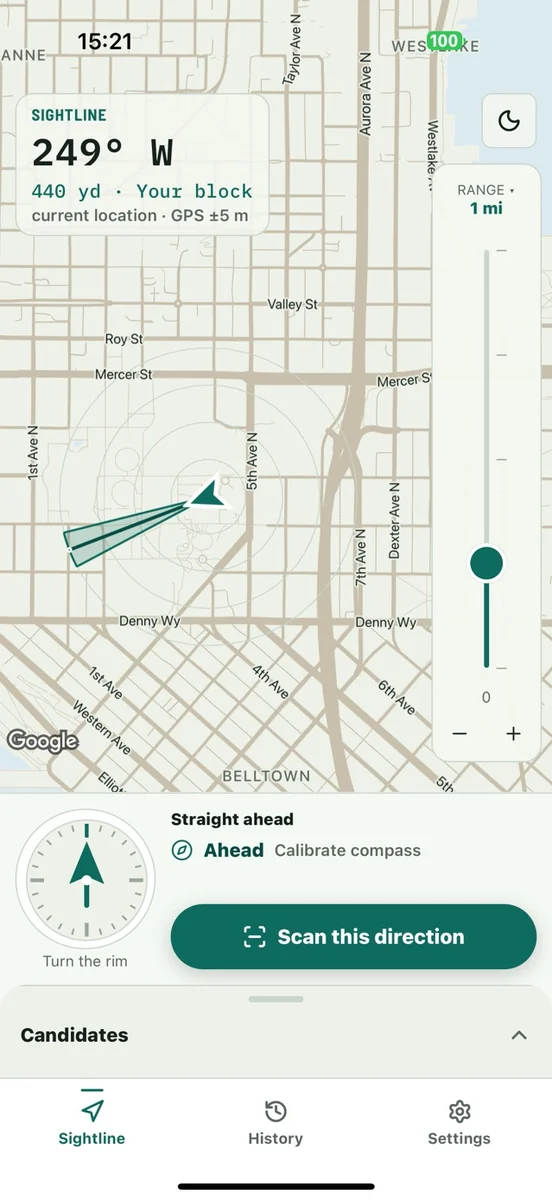
Point your phone toward a place you’re curious about. The cone on the map shows the area you’re exploring.
- Your heading: the compass direction at the top.
- Your range: how far ahead to look.
- Your scan: nearby addresses and roads to explore.
In this example, the phone points west and the range is set to one mile.
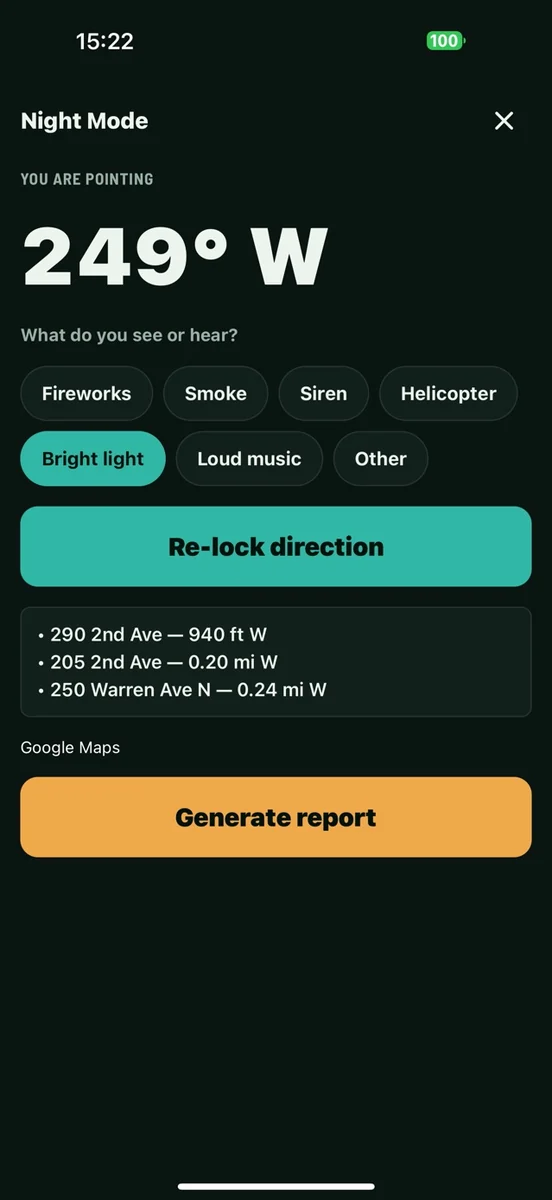
Review the possibilities.
Nearby and Night Mode help you explore likely places in that direction. Night Mode provides a view that’s easier to read in low light.
- Address candidates: possible places along your sightline.
- Context: distances help you compare the results.
- History: successful reports are saved on your device.
A candidate address is a possibility, not confirmation of the source of a light, sound, or event.
Follow your curiosity farther.
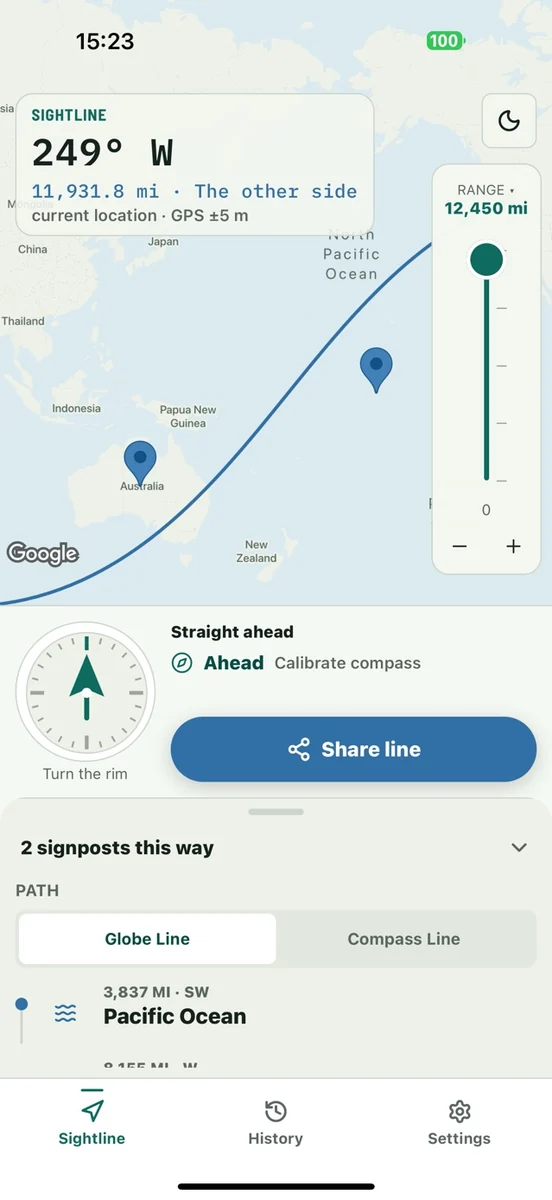
World Line carries that direction across cities, countries, oceans, and landmarks. See what’s on the other side of the horizon.
- Look farther: expand the range beyond your neighborhood.
- Explore the line: discover geographic signposts along the way.
- Keep exploring: bundled World Line data works offline without Plus. Map tiles need a connection.
Here, the westward line crosses the Pacific toward Australia.
Sightlines is for discovery. GPS, compass calibration, and map data affect accuracy. See Sightlines support for scan allowances, Plus subscription details, and help getting started.
See what’s ahead.
Download Sightlines for iPhone. Includes three successful cloud scans; Plus is optional. Saved history and offline World Line remain available without Plus.
Get Sightlines on the App Store